

The workspace where
AI is a full-fledged teammate
Your AI assistants write briefs, do the tasks, check for bugs, and keep the board up to date. Your team focuses on decisions – the AI handles the mechanical work.
tam agent
superagent · 4 specialists
Work that does itself.
No extra windows, no context switching – here's what happens under the hood.
Connect tam to your AI assistant – Claude Code, for example – in a couple of minutes, no coding required.
The agent gets access to tasks, sprints, and the knowledge base within the permissions it's been granted.
As the work happens, tam moves the cards itself, links commits, and writes a summary of the changes.
Found 4 pieces of feedback in the recording and filed them to the backlog
Every role gets its own scenario
Just a few examples of the busywork that disappears from your day.
Developer
scenario · Claude Code
QA engineer
scenario · bug report
Product/Analyst
scenario · breakdown
Team lead
scenario · release status
You lose nothing – you just do less by hand.
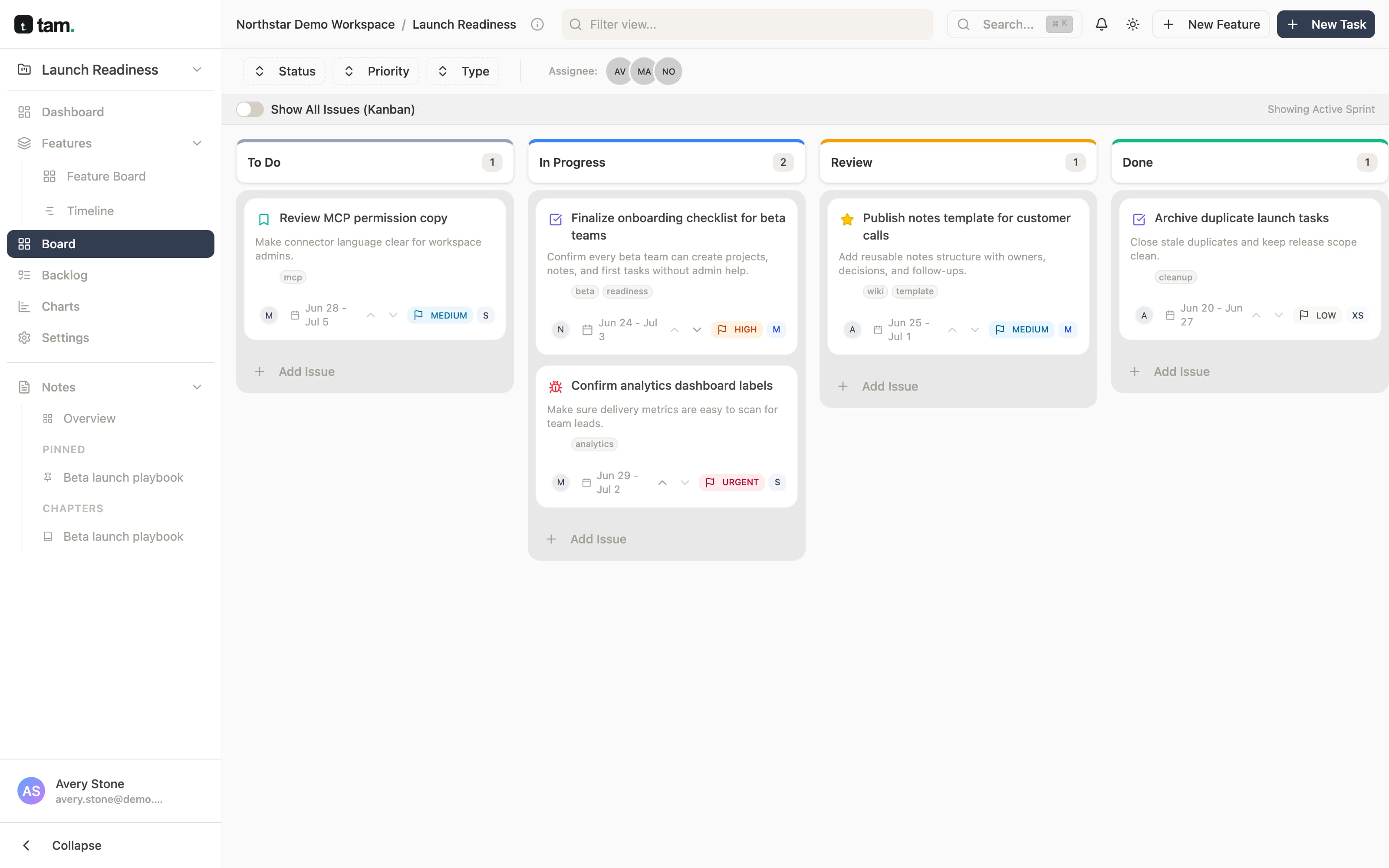
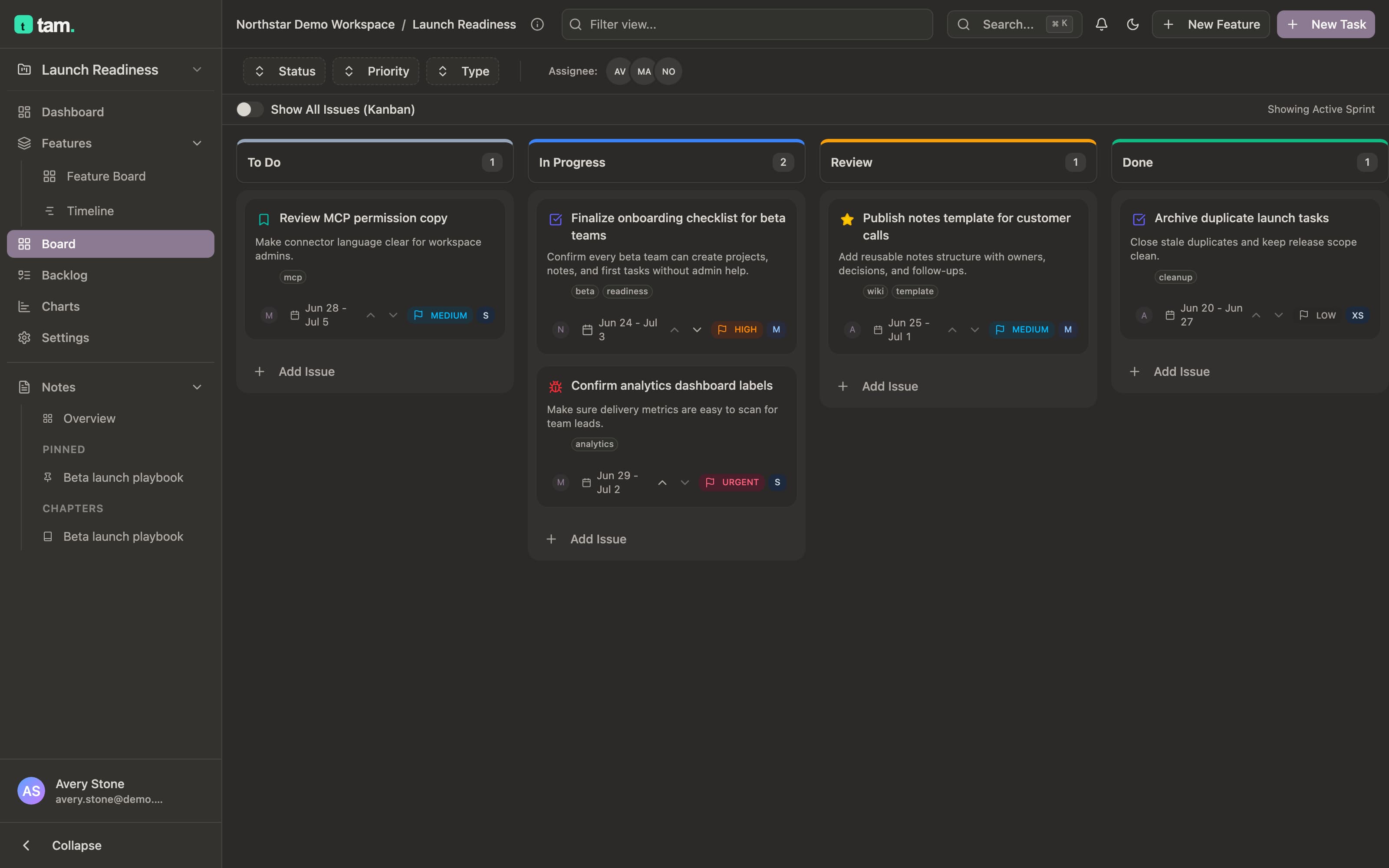
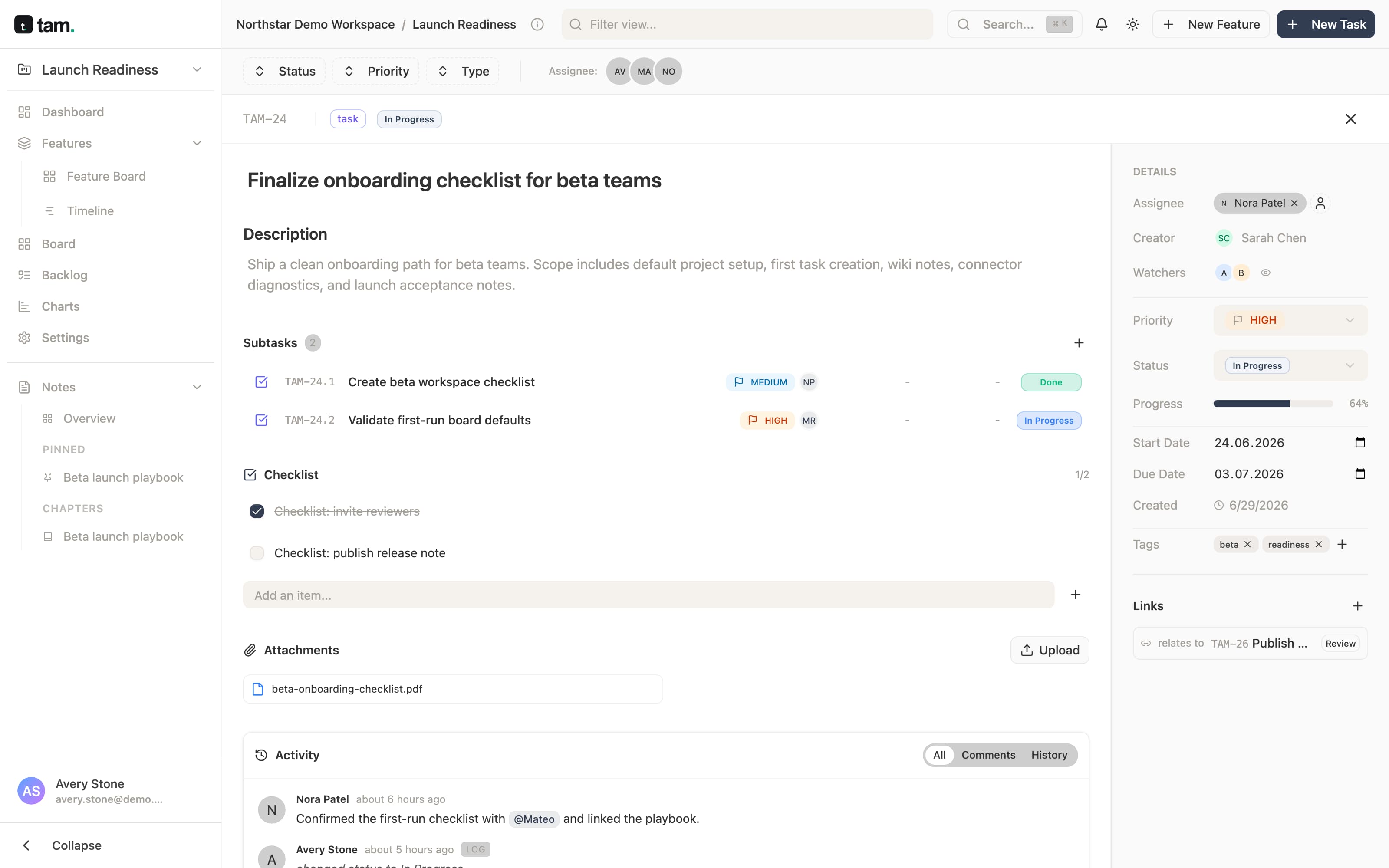
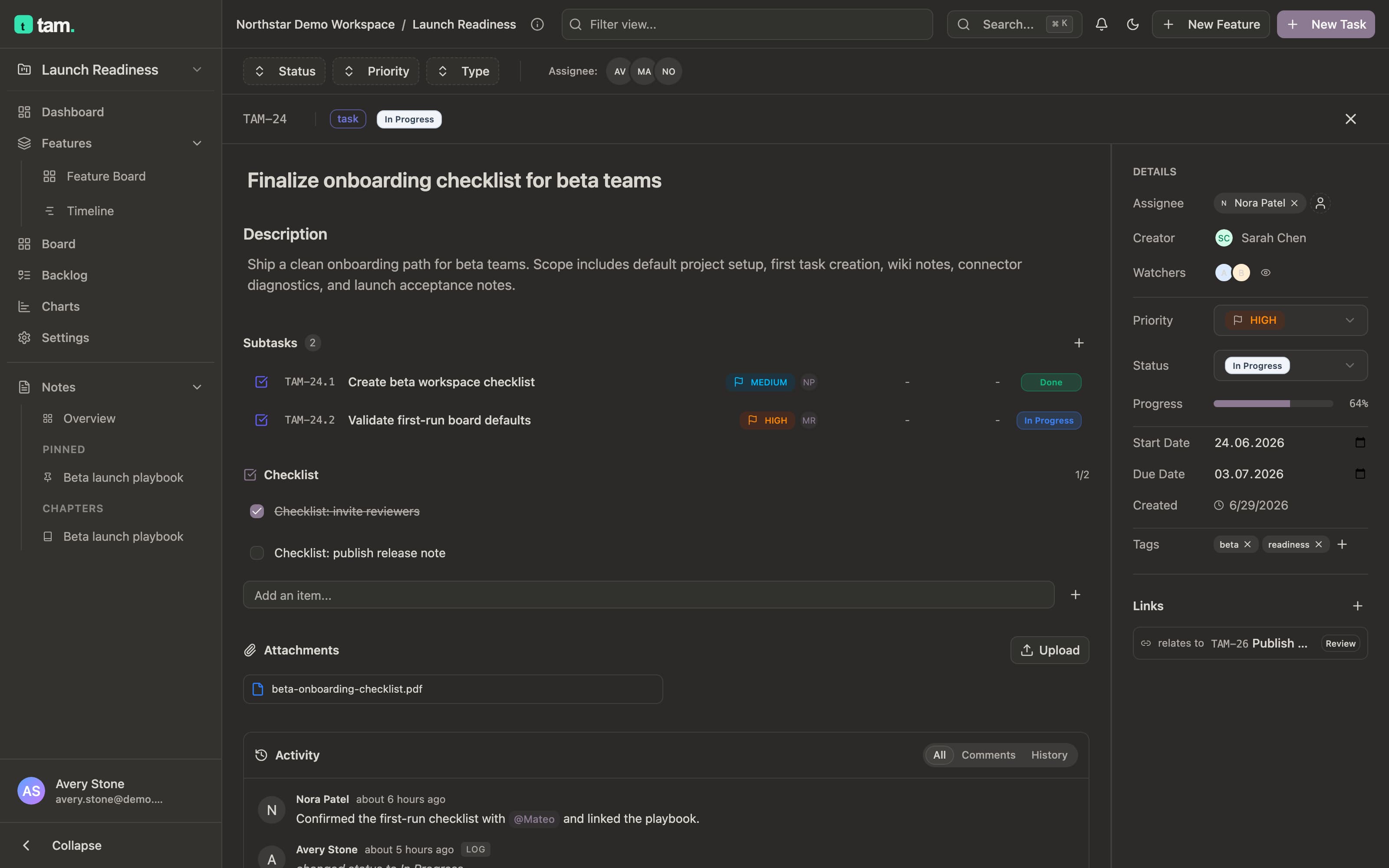
The board, tasks, and docs stay right where they are – drop in anytime to steer the work, check progress, or just see what's happening. Run sprints the way you always have: Scrum or Kanban, your statuses, your T-shirt estimates.

Not a chat bot –
a colleague on your board.
The tam agent works right on your board, alongside the team: it gathers context, does the task over MCP, checks its own work against your standards, and reports back – like a team member, not a process running off to the side.
Research
Gathers context from your docs, tools, and history.
Execute
Takes real actions in your stack over MCP.
Review
Checks its own work against your standards.
Follow-up
Reports back and keeps the loop closed.
Set the goal. tam runs the rest.
Turn any recurring process into an agent that runs itself – triggered by an event, a schedule, or a single sentence.
It works where your team already talks.
Mention @tam in any thread. It picks up the work, runs it across your tools, and reports back – no new app to open, no context lost.
Compiled the Q3 report from analytics, posted it to #leadership, and created 3 follow-up tasks for the gaps I found.
Add an AI to your team like a new hire
The same board, the same tasks – just one more teammate joins. Every AI agent gets its own name, role, and limited permissions, like a new person joining the team, not a script with access to everything. The foundation already works; a self-serve panel to configure it is in private preview.
QA bot
New to the teamQA · limited access
What if it breaks something? The agent can't go beyond what you allow. Permissions are granted gradually – the same way you'd onboard a new hire.
Works with the tools you already use.
GitHub is in progress. Slack, Notion, Drive, Telegram, Miro and Figma are on the way.

Free your team for what matters.
Connect tam in a couple of minutes, link your AI assistants to the board, and spend your time on the work that matters, not status meetings.
Get started · No credit card